CAD Files, Instructions, & Lessons
Browse downloadable CAD files, step-by-step assembly instructions, lessons, and design resources for Turnabots, Creatabots, and 1 lb robot kits. Whether you’re building your first robot, teaching a class, preparing for competition, or creating your own custom designs, these resources will help you develop practical engineering skills while having fun with combat robotics.
Creatabot CAD Files
Available in both TinkerCAD and OnShape!
Creatabot CAD Lessons
Bot Part Models
Our 3D CAD Library includes both STL and STEP files so builders can choose the format that works best for their tools and experience level. STL files are best for viewing, fit-checking, and 3D printing parts, and they load especially well into TinkerCAD, making them a great choice for beginners and classrooms. STEP files are used for full 3D modeling and assemblies in CAD programs like Fusion, SolidWorks, or Onshape, allowing you to design mounts, frames, and complete robots around the component with accurate dimensions. In general, use STL files when you want to quickly place or print a part, and STEP files when you want to modify designs or build detailed assemblies. Just download the file type that matches how you plan to design.
Batteries
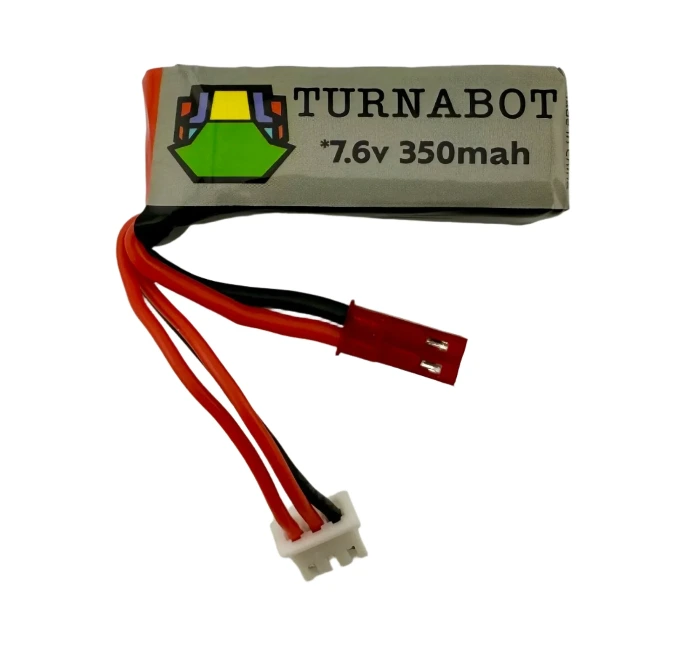
2S 300mah Turnabot 65-130C Premium Lipo (STL) (STEP)
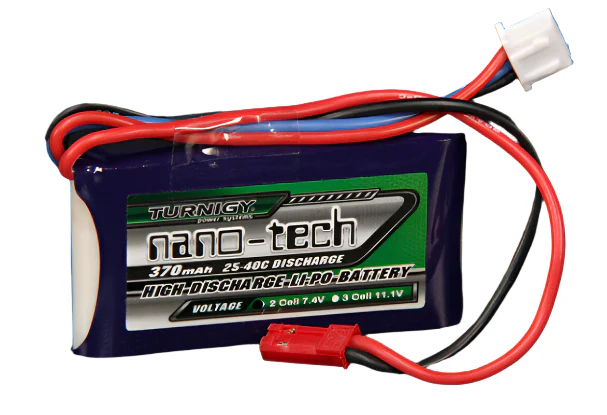
2S 370MAH Lipo Battery - Turnigy 35-70C (STL) (STEP)
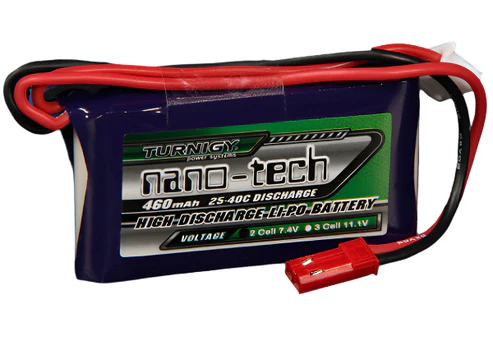
2S 460MAH Lipo Battery - Various Manufacturers (STL) (STEP)
Control Boards
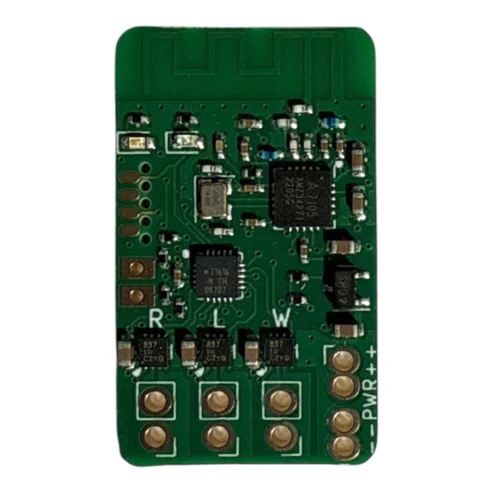
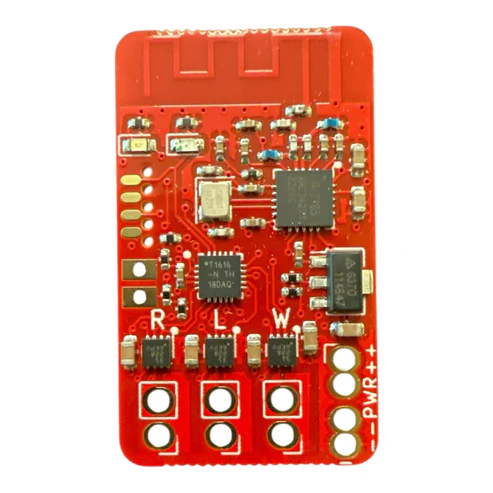
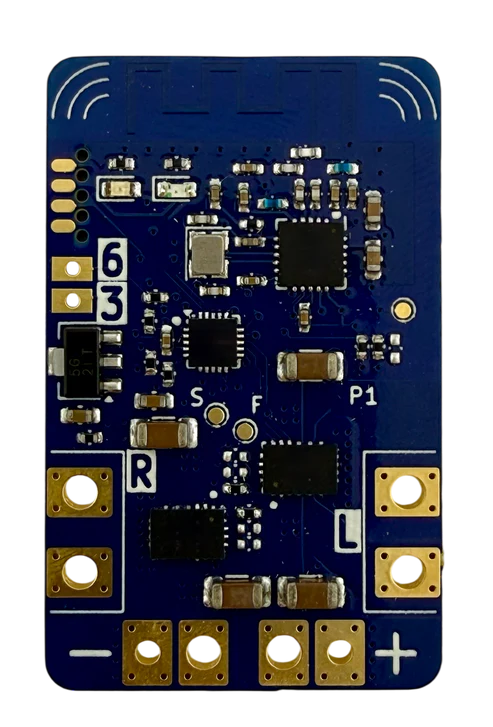
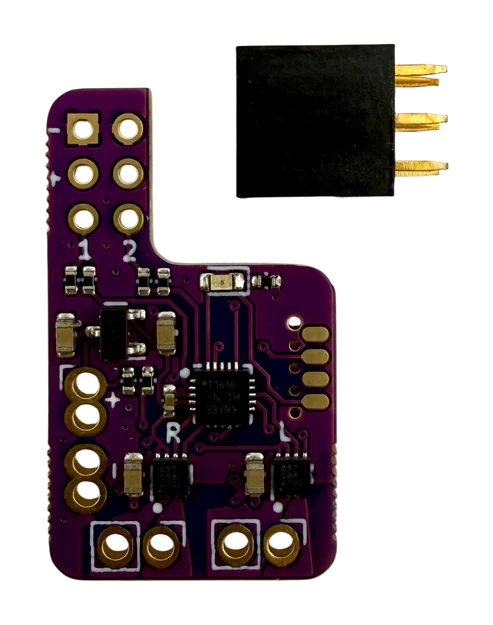
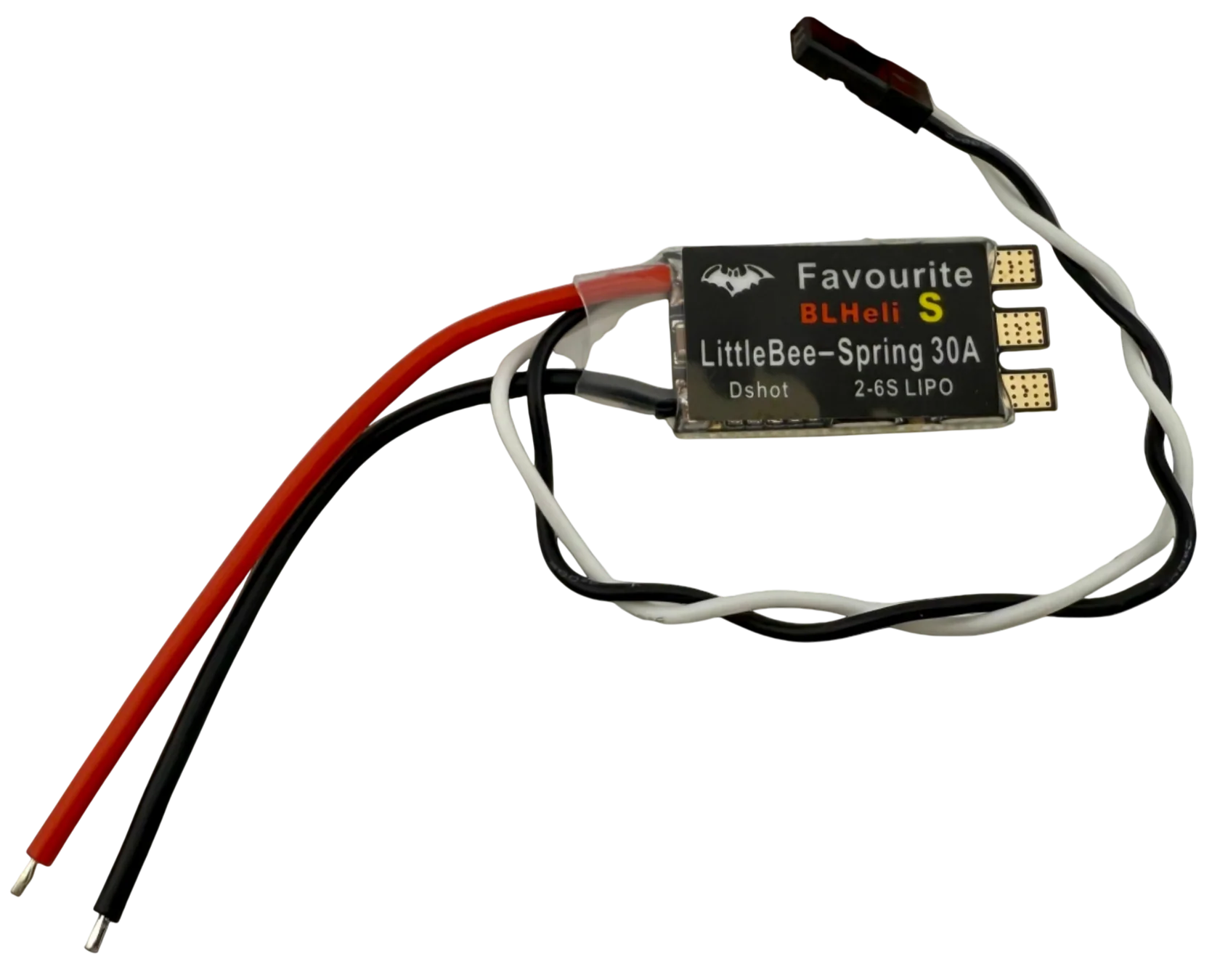
Brusless ESC (STL) (STEP)
Motors
Spur Gearbox Motors
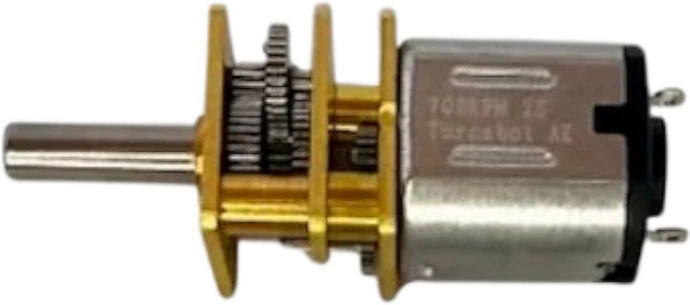
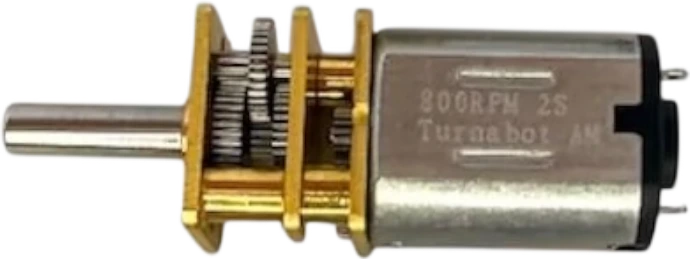
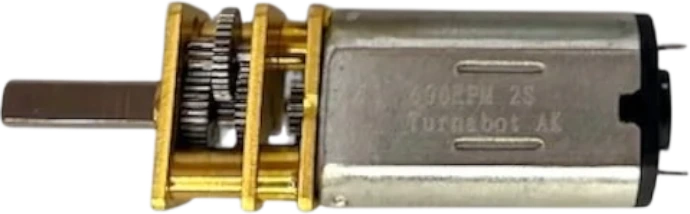
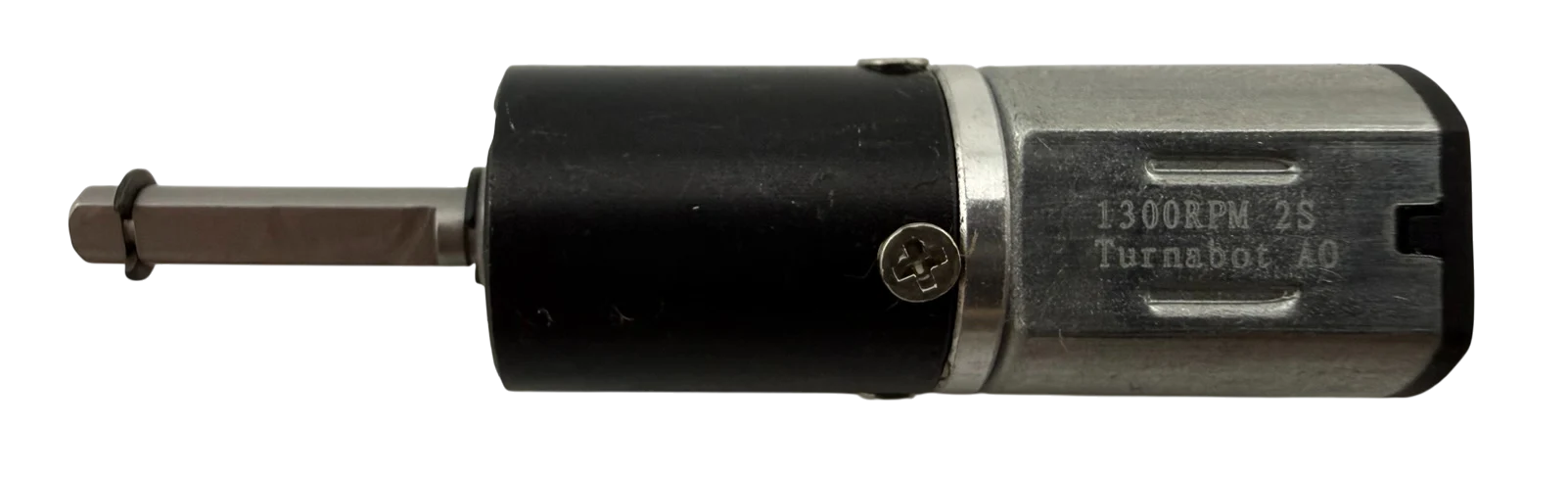
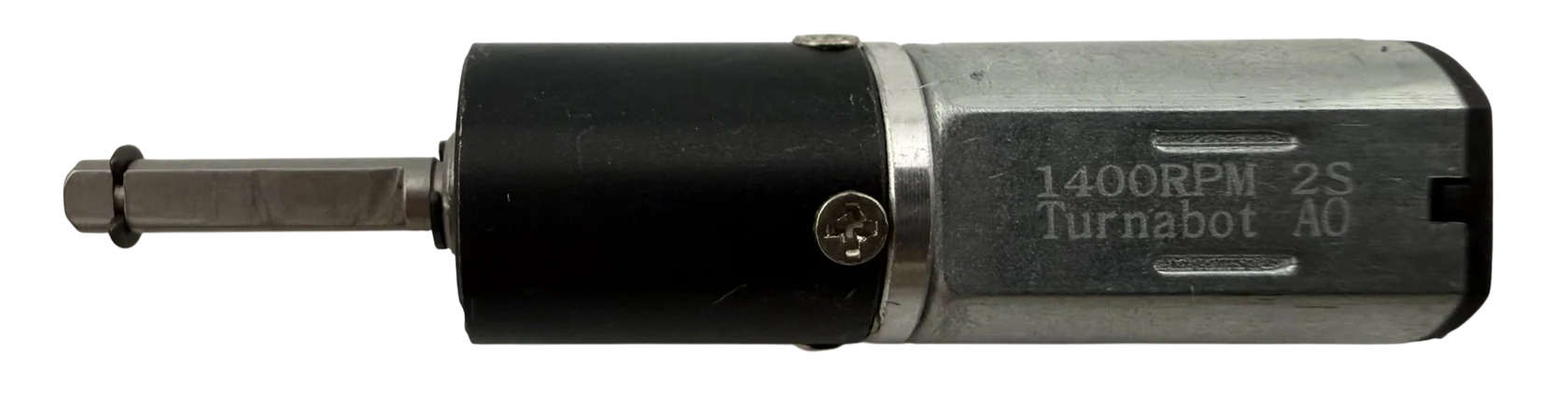
Planetary Gearbox Motors
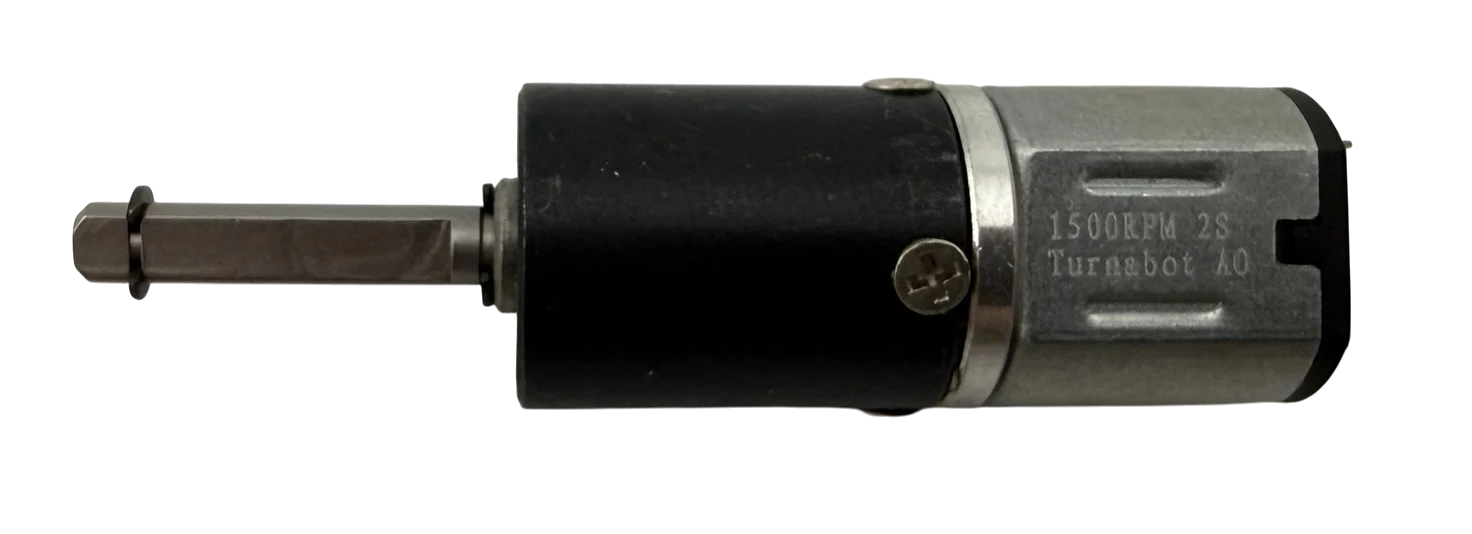
Brushless Motors
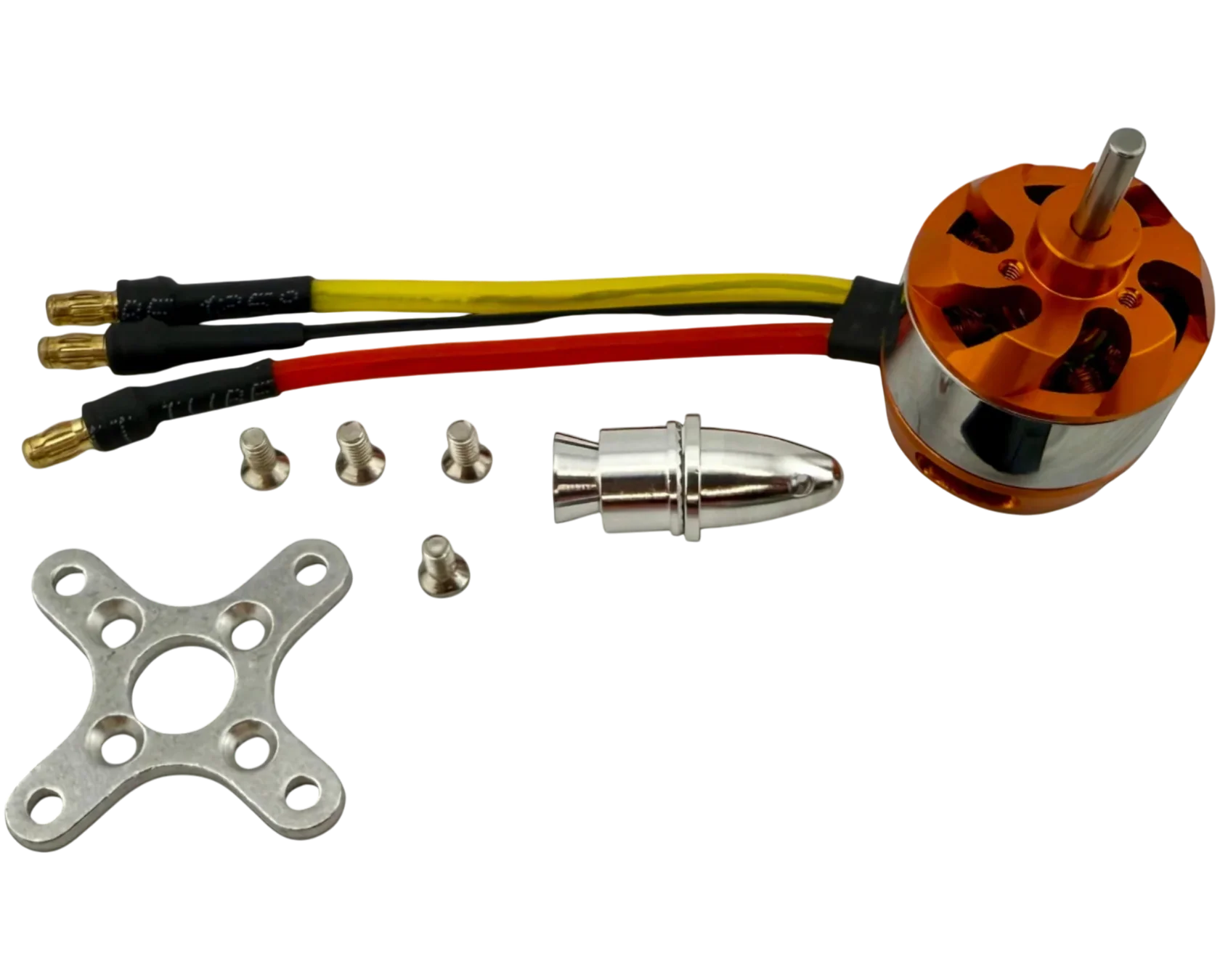
Brushless Motor (STL) (STEP)
Motor Mounts
Spur Motor Mounts
Planetary Motor Mounts
N10 Planentary Mount
(STL) (STEP)
N20 Planentary Mount
(STL) (STEP)
N30 Planentary Mount
(STL) (STEP)
Servos
Micros
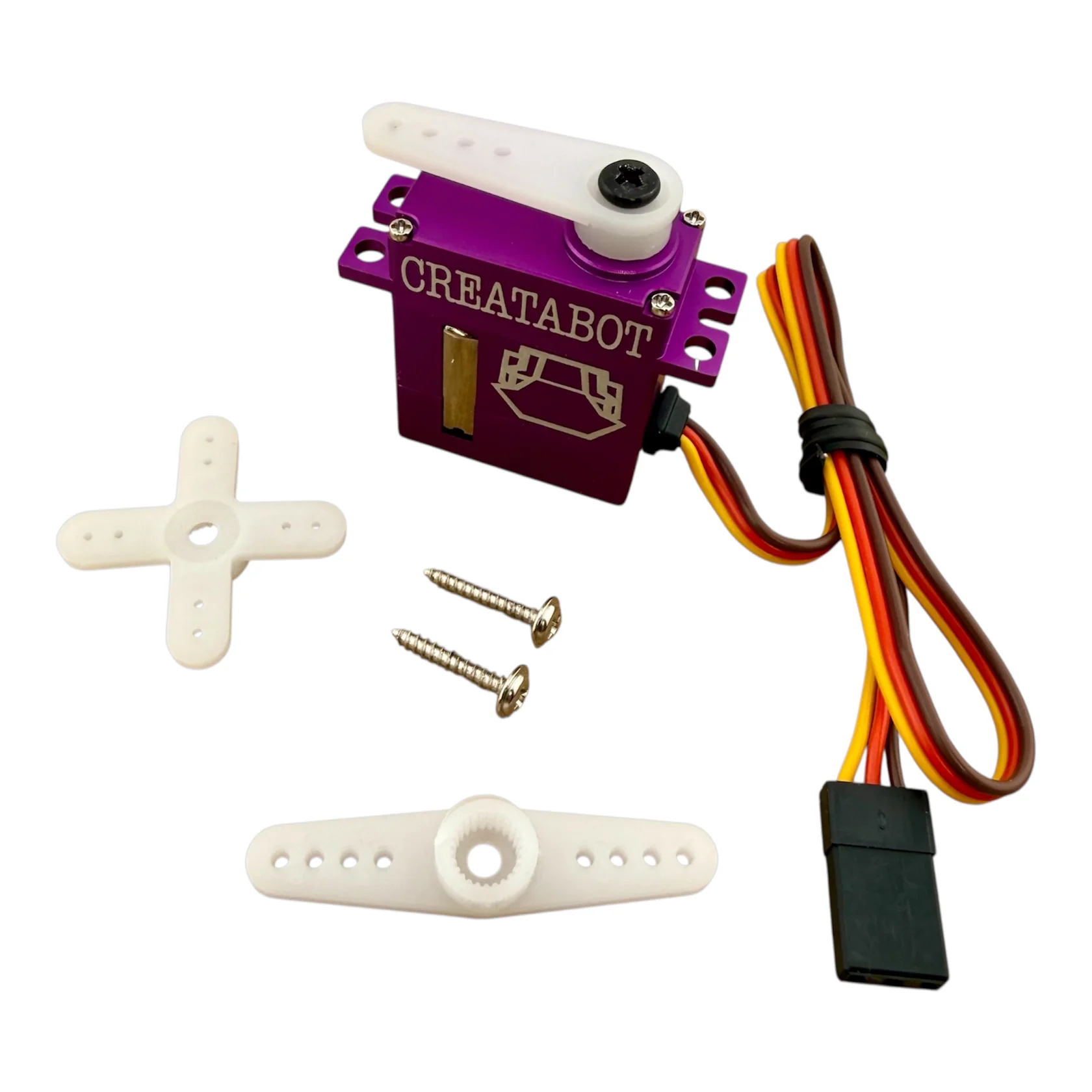
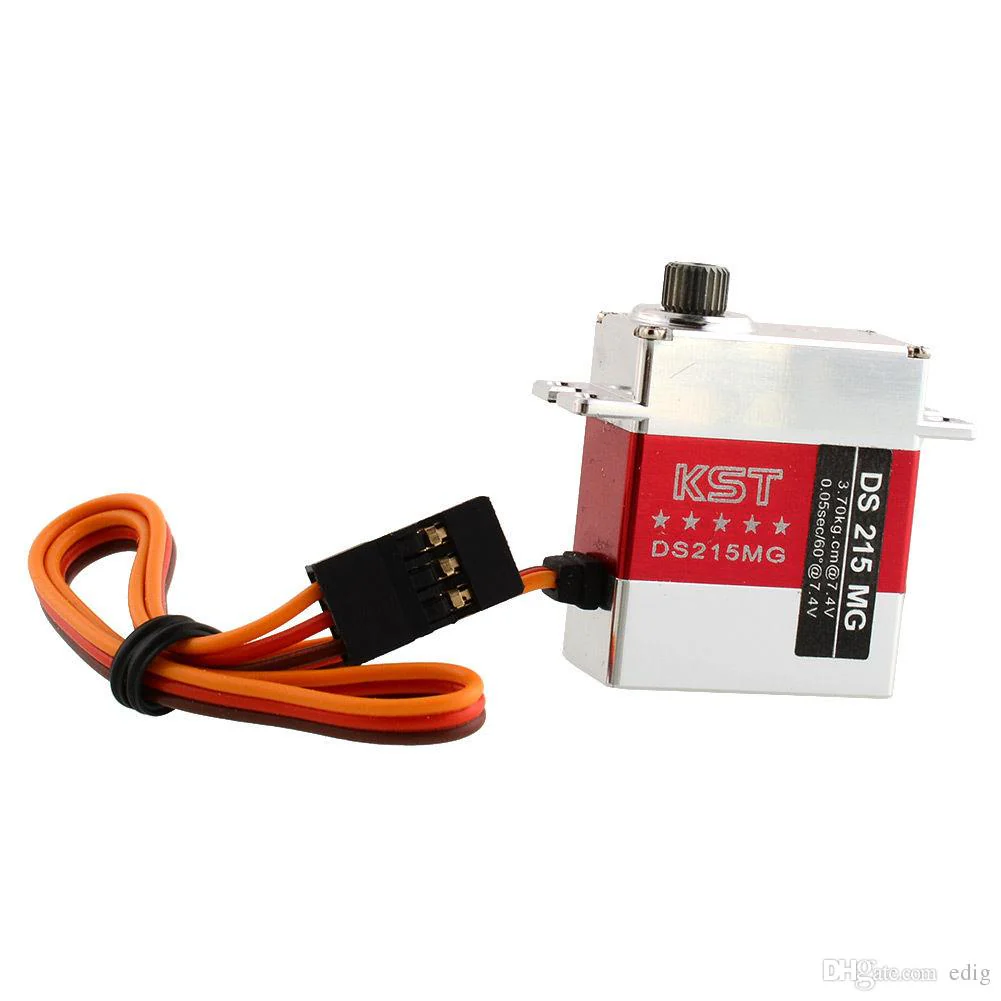
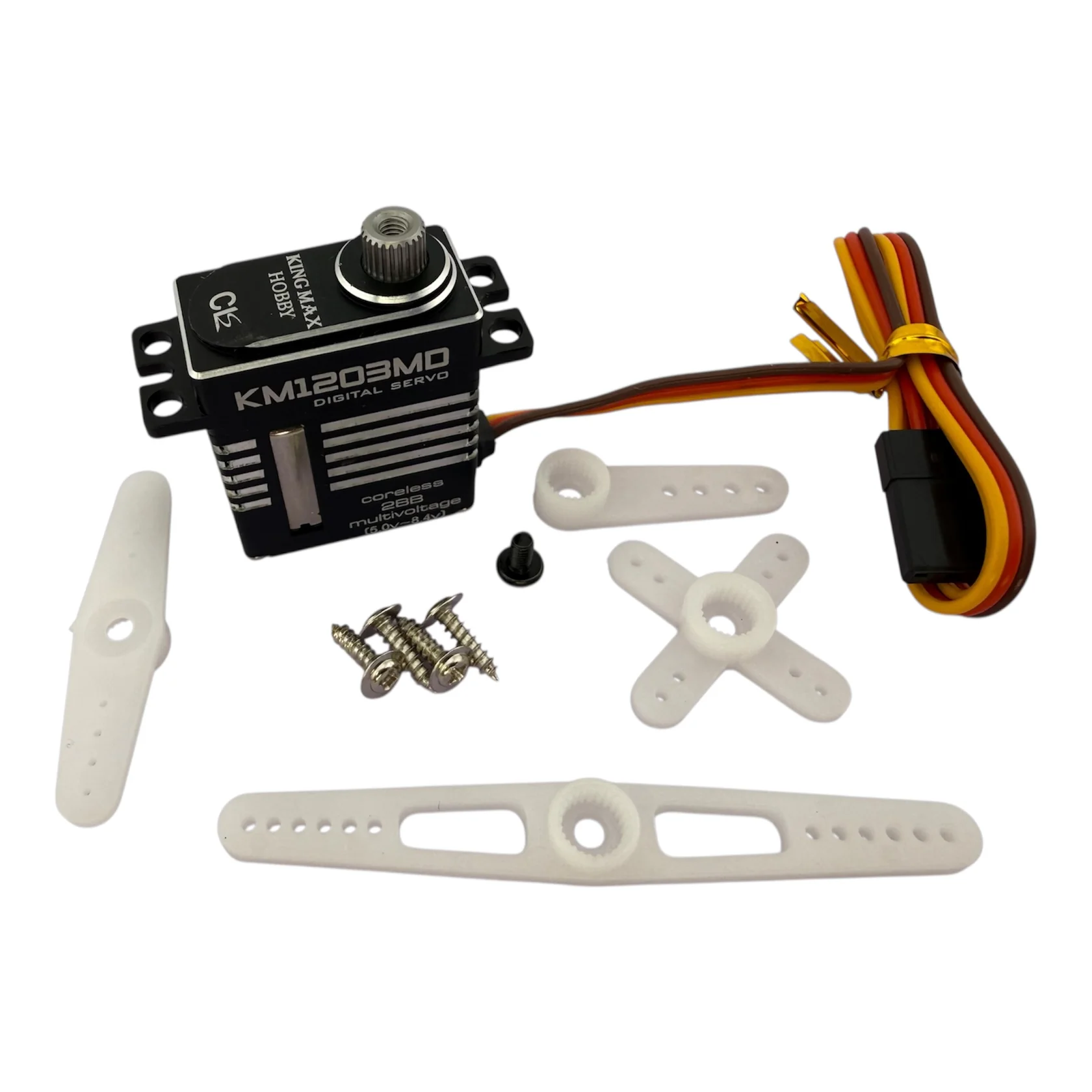
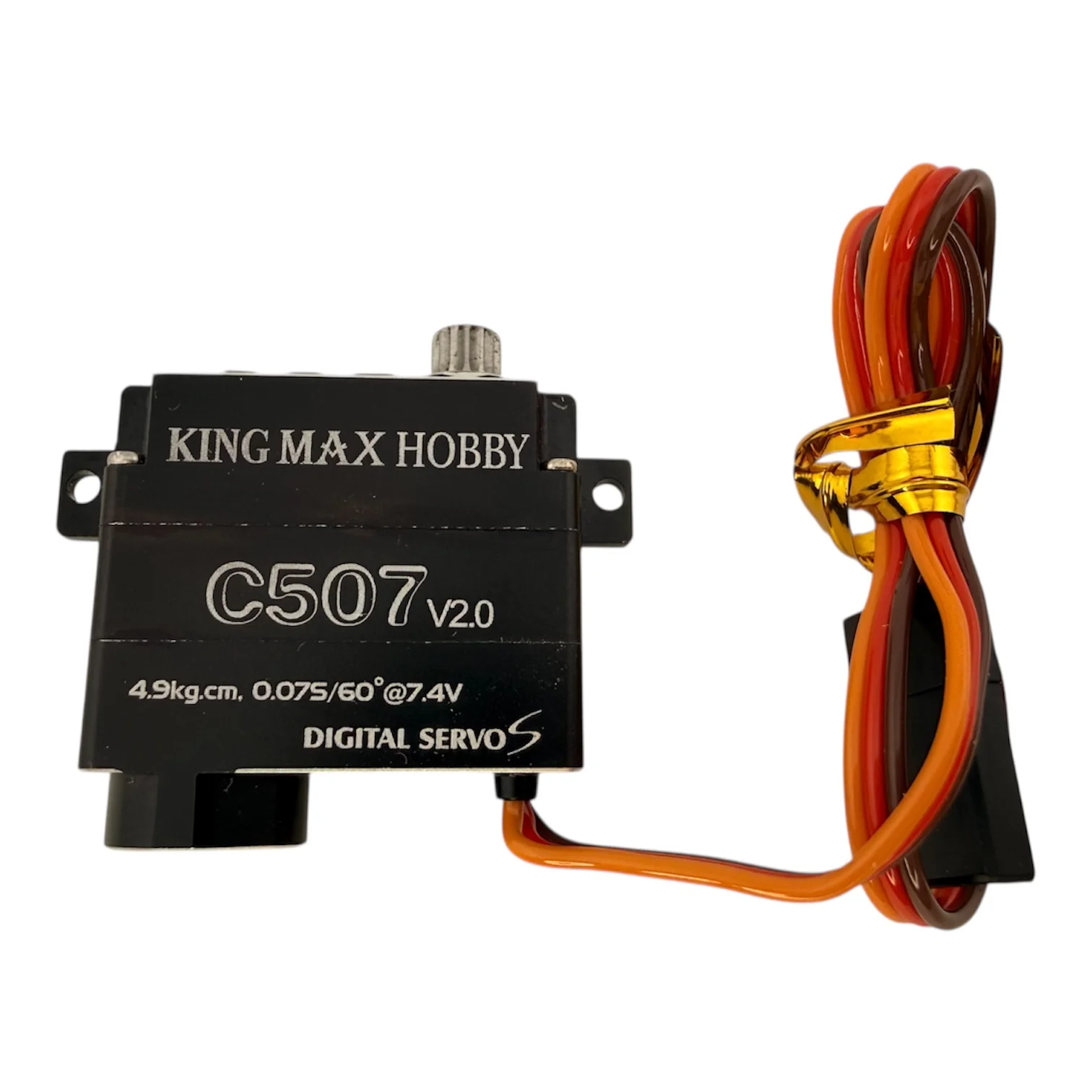
Standard
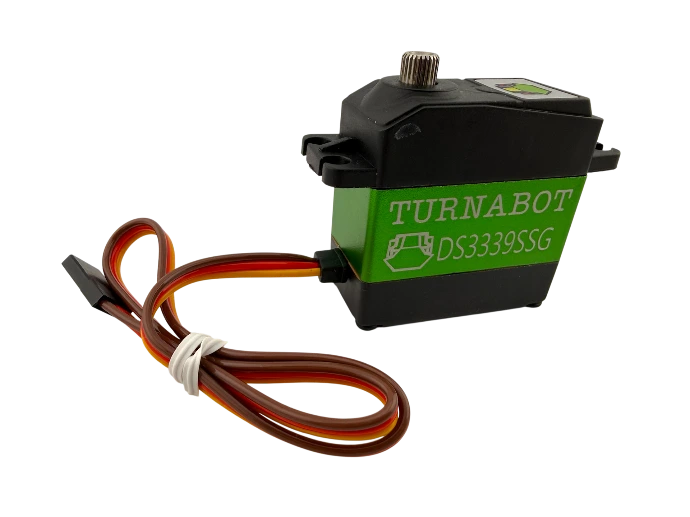
Turnabot DS3339SSG
(STL) (STEP)